

Ending a session
Last update: 17.06.2026To end a Granta Material Picker session, send an HTTP DELETE request to the session URL. For example:
requests.delete(f"{sessions_endpoint}{post_session_resp['id']}", json={}, headers=auth_header, verify=0)
Ending a session disables the controls in the Granta Material Picker tab and displays the following message:
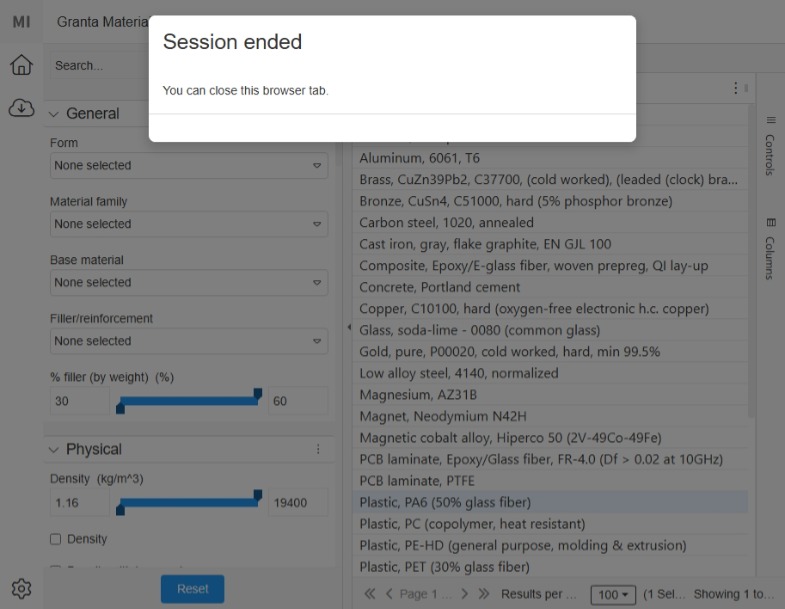
Materials are no longer available on the data endpoints.
If you do not end the session, it remains active and can be used to transfer additional material models.
