

Introduction
The AVxcelerate Post Controller REST API v0.1.0 is compatible with the AVX Architecture V2.
This REST API allows you to manage post processing jobs
Features
Download concrete scenario files
It is possible to download concrete scenario files of simulation jobs
To do this, you need to provides a list of sample_ids to generate concrete scenario files for those samples.
- If 'samples' is empty or not provided, no concrete file is included.
- If 'samples' is specified, than all the concrete files will be included for these samples in the zip.
You can also specify what kind of documents you want to download:
- Scenario files
- Asset files
If the parameter: "filter_by_asset_declaration" is empty or not provided, all the "common" asset data will be provided.
Download all assets of a simulation job from the Explore & Analyze app and run the simulation locally
-
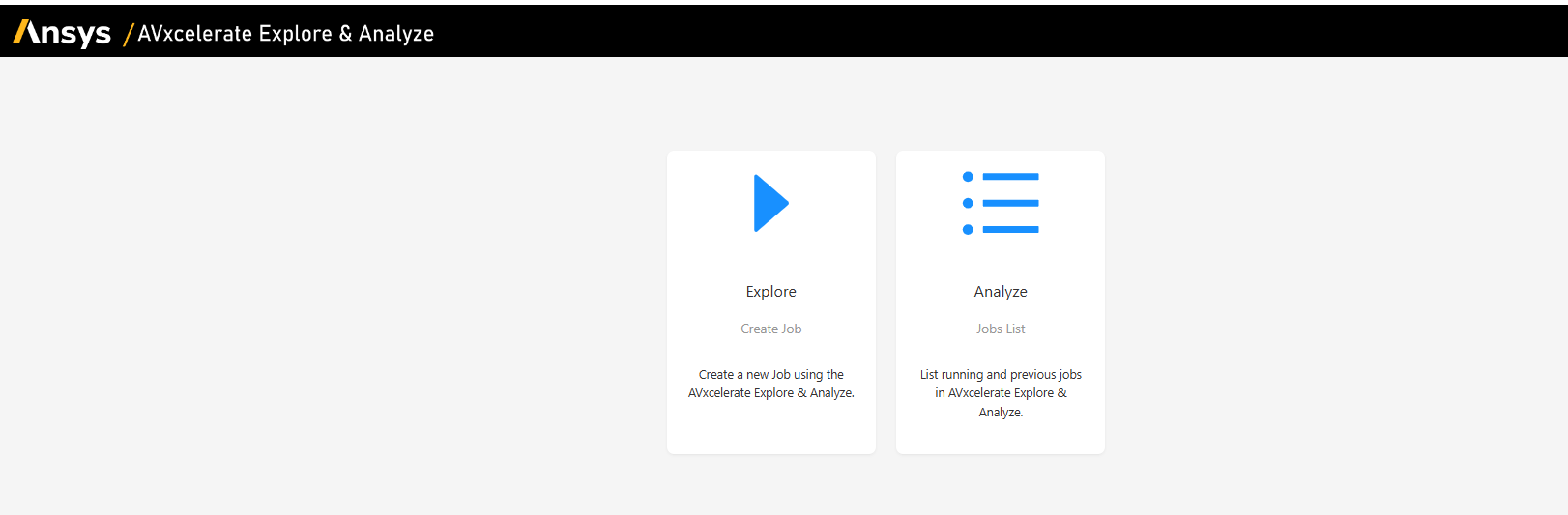
Run a simulation job with the Explore & Analyze web-app
-
Once the job is completed, click the API icon on the results page
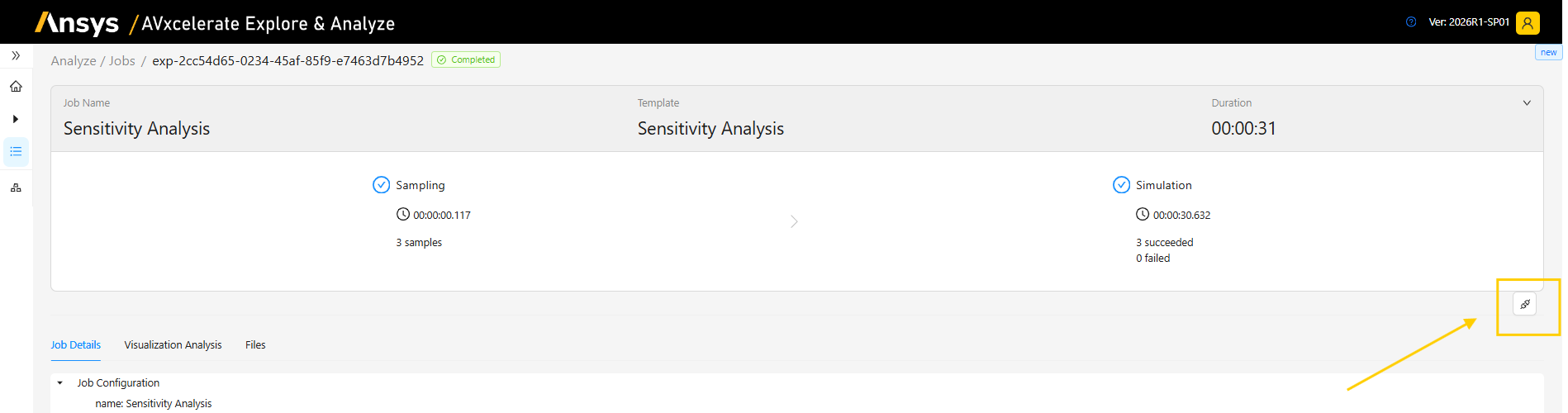
API swagger page opens.
-
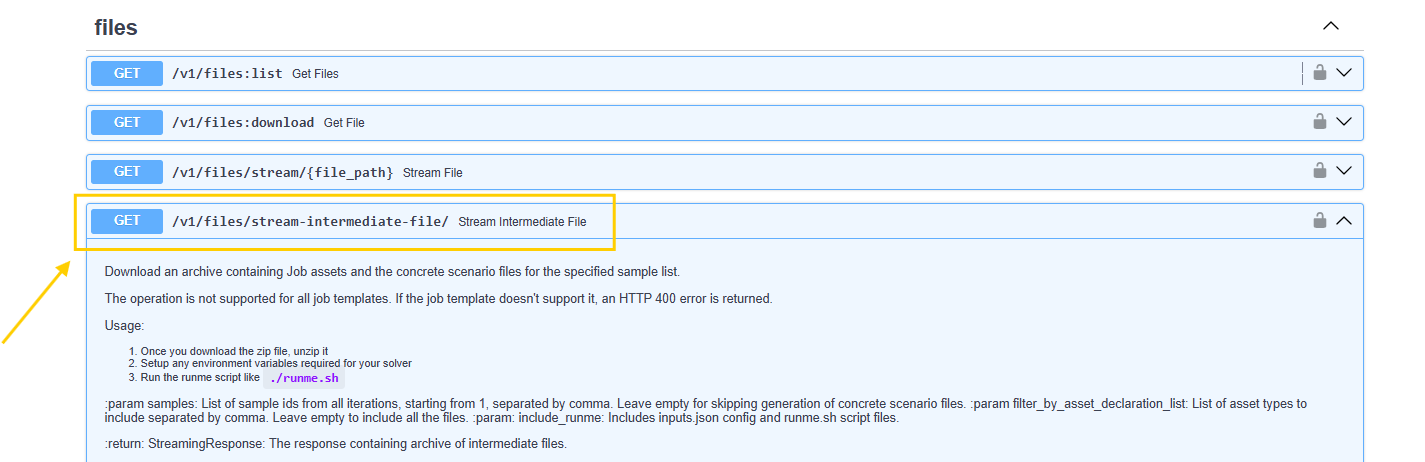
Go to the files section and to the /v1/files/stream-intermediate-file/ API command
-
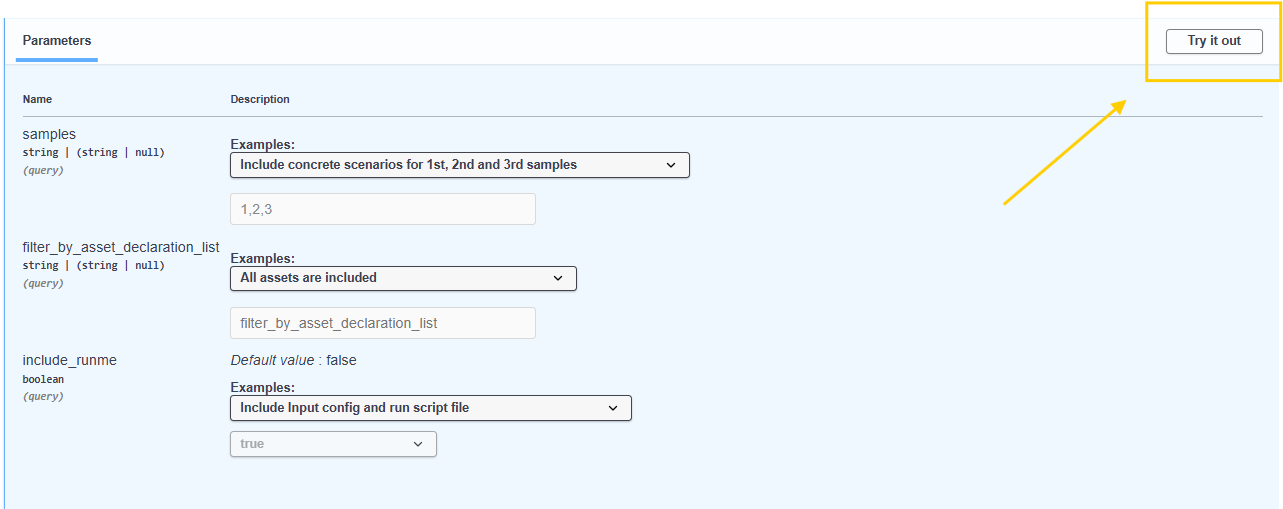
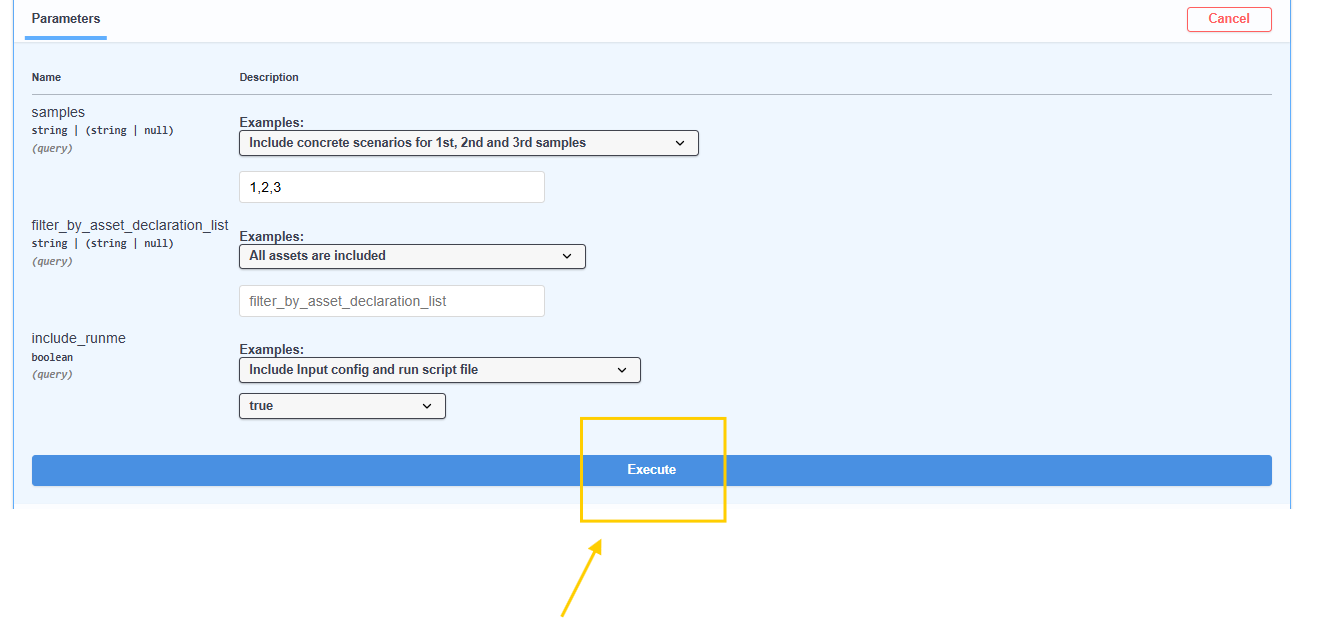
This process explains how to retrieve all simulation job data and use them to start a simulation locally. Fill the fields depending on the usage, the details of each attribute are below:
4.1 samples: Choose whether you need 1 or multiple sample from the drop-down.
4.2 filter_by_asset_declaration_list: You must specifiy what kind of assets you want to download, for example, for the scenario only add: ["scenario"] or for the scenario and map, add: ["scenario", "map"]. Leave the field empty if you want to include all assets.
4.3 include_runme: Set it to true if you want to include runme.sh script in the downloaded asset. The script is used to run the simulation on your local computer.
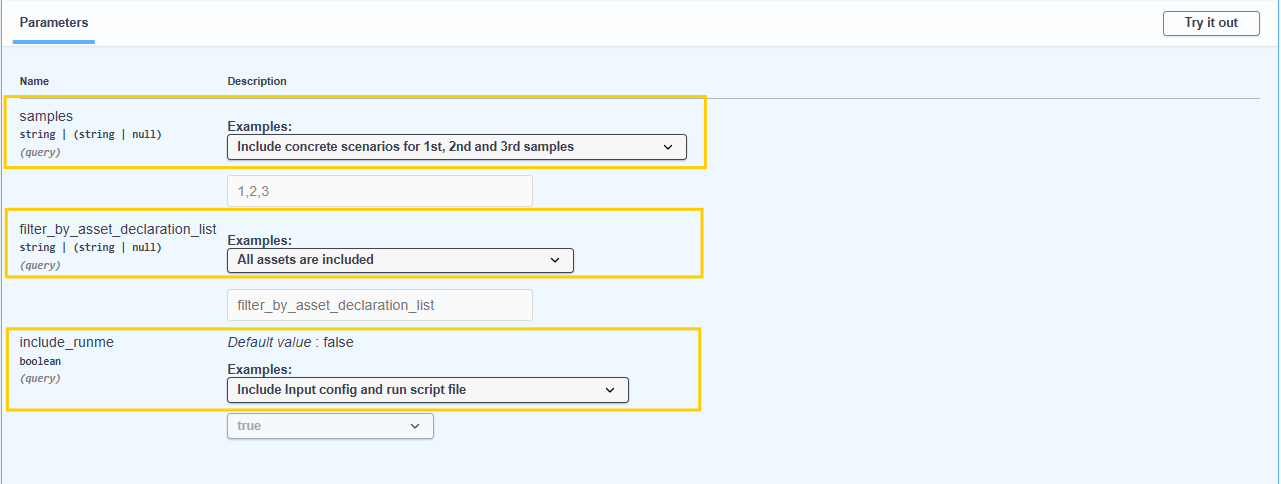
Once you have filled all the fields, click Try it out and Execute.
Prerequisists for the execution of a local simulation:
- You must have a linux based system that can run bash script
- Docker must be installed
- Docker image used for the simulation must be accessible (either locally or via registry)
-
To run the simulation locally:
5.1 Unzip the archive.
5.2 Set any environment variables required by the solver (for example, Simulation Framework requires ANSYSLMD_LICENSE_FILE variable to be set).
5.3 Run the runme script:
./runme.sh.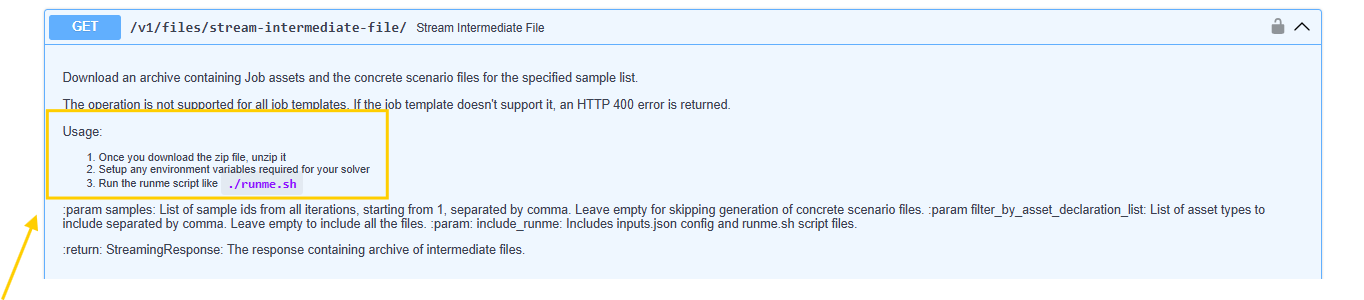 (the steps are available on the REST API url)
Python helper
The AVxcelerate python APIs are hosted as a python package on a cluster as part of the Explore service deployment. The developers can install the package using pip and use it to call AVx autonomy APIs without needing to make raw REST calls.
PyPi Regsitry URL:
The python package is hosted as PyPi compliant registry on each deployed cluster. The registry URL is like this:
https://explore.{{ domain }}/api/explore/pypi
Usage example
Pre-requisites:
We assume that the system is running with the Ubuntu 22.04 version, and that the following tools are already installed:
- python 3.10
- pip 25.1
- uv 0.6
And we assume that you are using AVx Autonomy Toolchain version 25R2.2
Step 1: Create virtual environment
$ python -m venv .venv


Step 2: Activate the virtual environment

```bash
$ source .venv/bin/activate
Step 3: Install python packages:
- ansys-api-avxcelerate-autonomy
- ansys-avxcelerate-autonomy
$ pip install ansys-api-avxcelerate-autonomy ansys-avxcelerate-autonomy --extra-index-url https://explore.{{ domain }}/api/explore/pypi
Step 4: Use ansys-api-avxcelerate-autonomy and ansys-avxcelerate-autonomy in your python code
import asyncio
from ansys.api.avxcelerate.autonomy.explore_service.v1.api.jobs_api import JobsApi
from ansys.api.avxcelerate.autonomy.explore_service.v1.api_client import ApiClient
from ansys.api.avxcelerate.autonomy.explore_service.v1.configuration import Configuration
from ansys.api.avxcelerate.autonomy.explore_service.v1.exceptions import NotFoundException
from ansys.api.avxcelerate.autonomy.explore_service.v1.models.explore_job_read import ExploreJobRead
from ansys.avxcelerate.autonomy.utils.auth_client_session import AuthClientSession
from ansys.avxcelerate.autonomy.utils.token_provider import TokenProvider

async def main():
    base_url = "https://explore.{{ domain }}"
    configuration = Configuration(host=f"{base_url}/api/explore/v1")
    async with ApiClient(configuration) as api_client:
        session = AuthClientSession(base_url=f"{base_url}/api/explore/v1/")
        provider = TokenProvider(f"{base_url}/auth")
        session.set_provider(provider)
        provider.login()
        api_client.rest_client.pool_manager =  session
        jobs_api = JobsApi(api_client)
        job_id = "exp-dec894b2-647c-4ca5-b516-cdfc18c58fdd"
        try:
            job: ExploreJobRead = await jobs_api.get_job(job_id)
            print(job)
        except NotFoundException:
            print("No job found against this id")
        except Exception as ex:
            print(str(ex))
            print("Couldn't get job against this job id")

asyncio.run(main())
