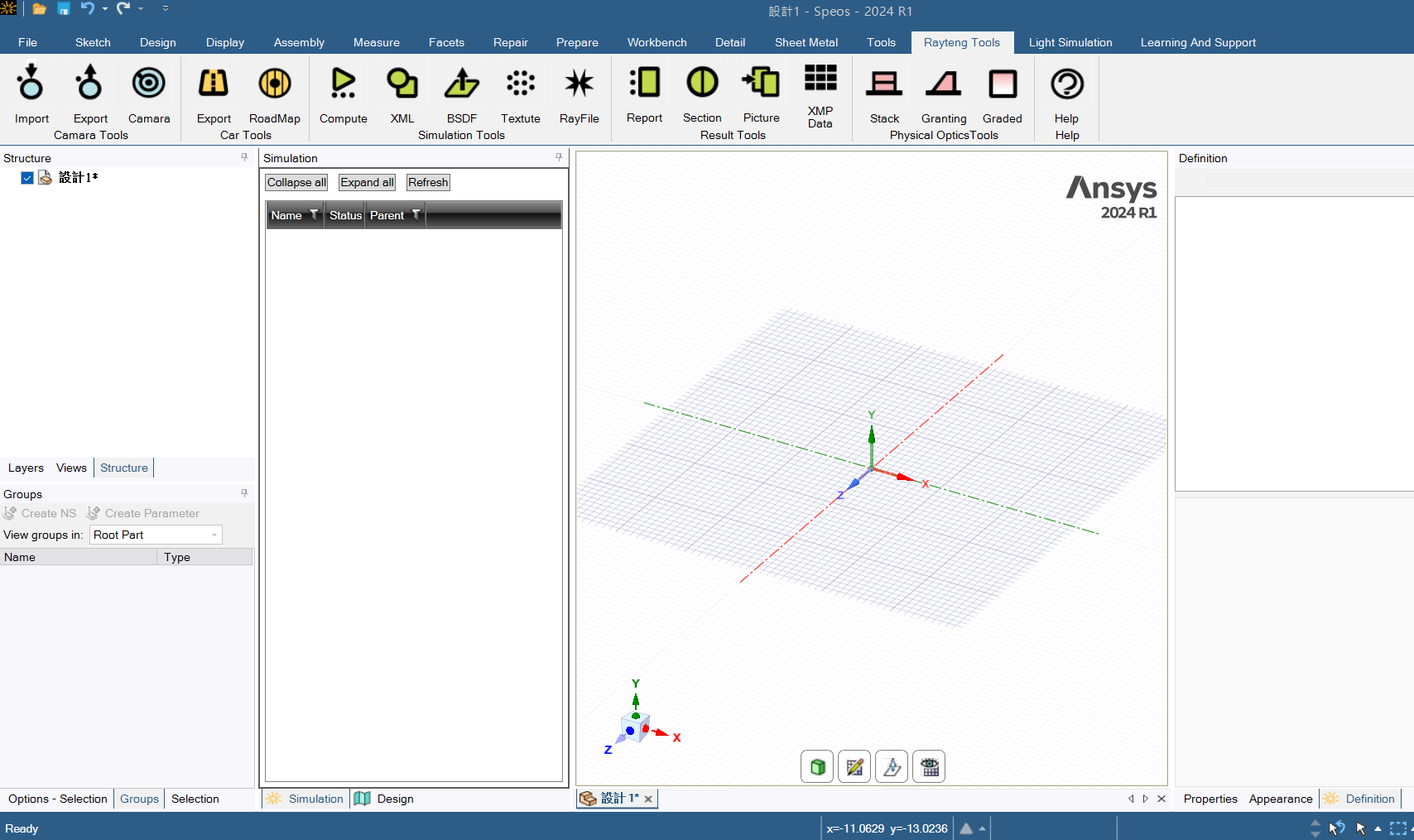
Rayteng Tools
1

Supported Ansys versions:
  • 2023 R1
Required Product:
  • Speos
Rayteng Tools contains several tools (four of which are free for trial) for making SPEOS usage more convenient and improving your work efficiency. Contact us to get the full version of these tools.
Free

App Description

Four tools free for trial:

  • Multi-Compute: Uses the background mode to execute SPEOS Core, which allows you to run multiple simulations of different files at one time, directly storing the completed results in the original folder.
  • Lighttools BSDF Convertor: Converts the BSDF format of Lighttools to the BRDF format that SPEOS can use, which is convenient for subsequent operations on SPEOS.
  • Coordination to 3D Mapping: Converts a TXT file with only X and Y coordinates into a mapping file to use for 3D Texture. This tool can also change the scale of X, Y, and Z. (The more coordinates you have, the longer the conversion takes to complete.)
  • XMP to Pictures: Converts many XMP files into pictures at one time. When you run a lot of results, you can use this tool to make report screenshots or convert pictures. This tool can also be used in OST dynamic simulations to quickly convert multiple results into pictures and then merge them into movies.

Key Benefits

Increase the efficiency of SPEOS operations, such as muti-compute or other functions that provide a quick way to create reports or read simulation results. Some tools provide a way to cooperate with other ANSYS optic software, such as ZEMAX and Lumerical, to save you more time and get consistent simulation conditions.

Images

Image1

Videos

Latest version

Rayteng Tools 1
Supported Ansys versions: 2023 R1
Publisher
Rayteng Creative Co
Support information
11F, #9, Zunxian St., North Distric, Taichung Taiwan
+886 4-22250378

Connect with Ansys